Call us: +961 76688300

How to Use Alipay in 2025 – The Ultimate Easy Guide
If you’ve ever tried paying a supplier in China, buying from 1688 or Taobao, or sending money abroad…
you’ve probably heard the magic word: Alipay.
But let’s be honest — for many beginners, Alipay looks confusing, full of Chinese menus, and difficult to set up.
Good news: In this guide, I’ll walk you step-by-step through everything you need to start using Alipay safely, even if you don’t speak Chinese or don’t have a Chinese bank account.
This is the exact tutorial people wish they had before wasting hours.
Share it with your friends — they’ll thank you later.
What Is Alipay (and Why Everyone Uses It)?
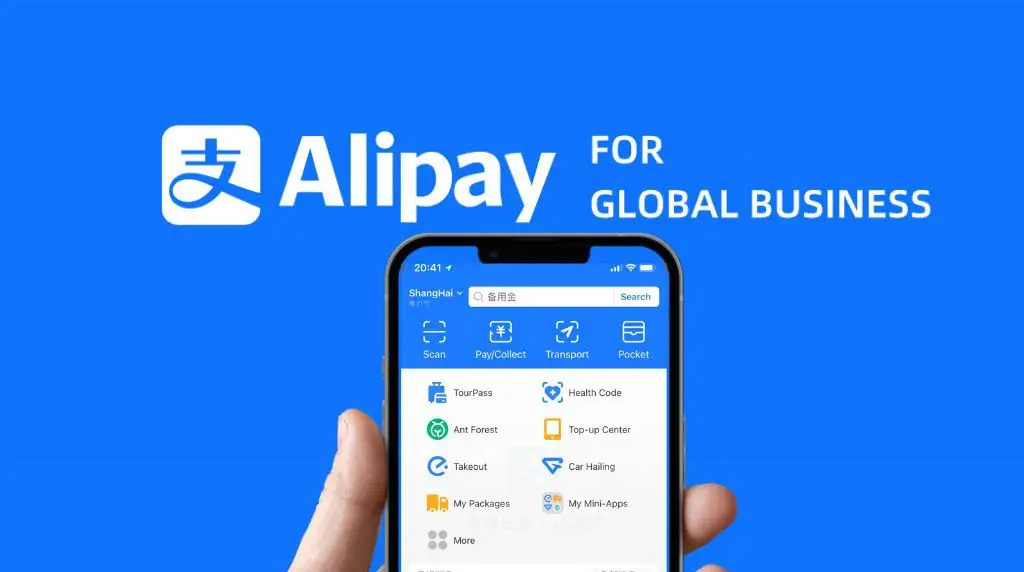
Alipay is China’s biggest digital wallet — used by more than one billion people.
You can use it for:
-
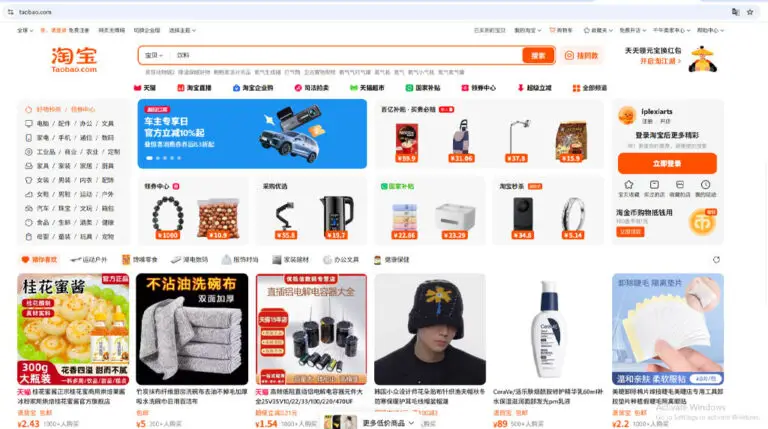
Paying suppliers on 1688, Taobao, Pinduoduo…
-
Sending money quickly
-
Paying bills, transport, delivery
-
Holding a balance securely
-
Getting buyer protection on some platforms
If you want to shop from China or do business there, Alipay is your best friend.
Why Alipay Is a Game-Changer for International Buyers
Most people outside China face 3 problems:
-
Foreign cards don’t always work
-
Bank transfers take days
-
Platforms like 1688 only accept Chinese payment methods
Alipay solves all of this by giving you:
✔ Fast payments
✔ Easy top-ups
✔ QR payments
✔ Secure transactions
✔ Cheaper than bank transfers
✔ Works for all major Chinese shopping platforms
1: Download Alipay
Open App Store or Google Play
Search: Alipay – by Ant Financial
![]()
Tap Install.
Step 2: Create Your Alipay Account
-
Open the app
-
Choose your country
-
Enter your phone number
-
Receive the SMS code
-
Confirm
Your number becomes your login.
Step 3: Verify Your Identity (KYC)
Identity verification unlocks full features.
You’ll need:
-
Your passport OR national ID
-
A clear selfie
-
Name + Birthday
Steps:
-
Go to Me → Account & Security → Real-name Verification
-
Upload ID
-
Take a live selfie
-
Wait 1–10 minutes
Once approved → your account becomes activated.
2️⃣ Add Balance (If Supported in Your Country)
Some regions allow direct top-up.
Go to: Balance → Top Up
3️⃣ Use a Trusted Service to Add Funds
Useful if:
-
Your country does not allow balance top-up
-
Your card is declined
-
You want faster loading
Step 4: Add a Payment Method
You have three options:
1️⃣ Add International Bank Card
Works in most countries.
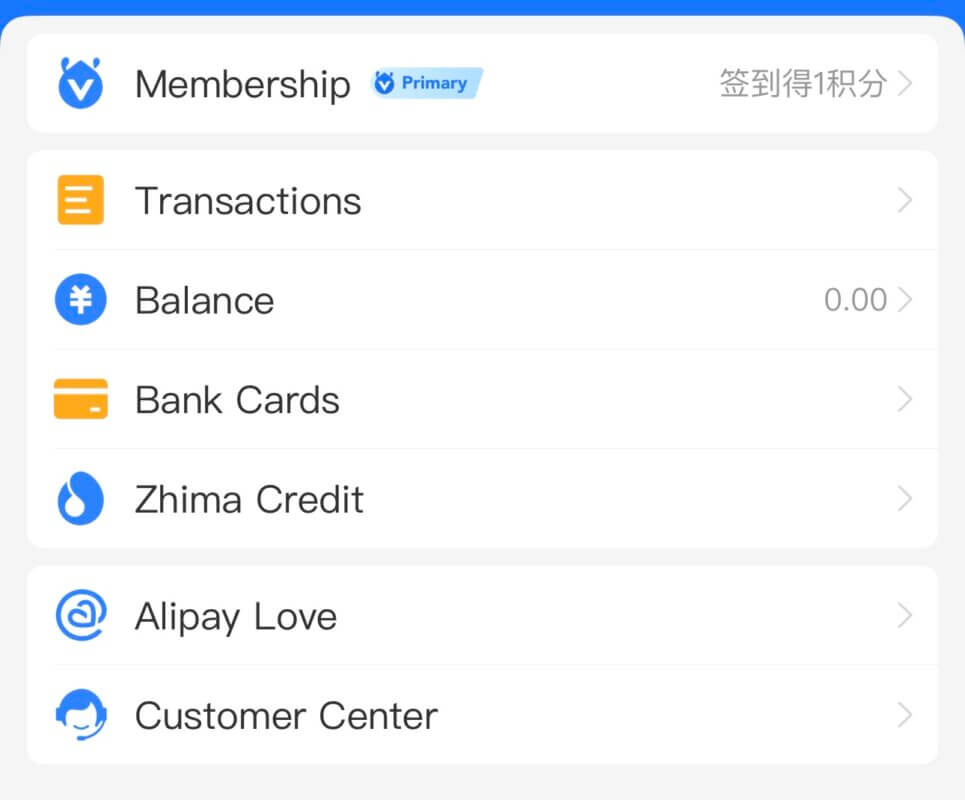
Steps:
Me → Bank Cards → Add Card → Enter card info
Step 5: Pay on 1688 or Taobao Using Alipay
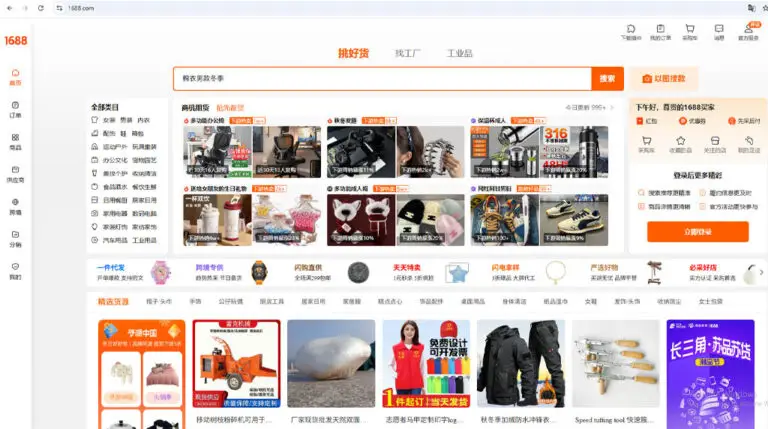
This is the main reason many users install it.
Steps:
-
Add items to cart
-
Press Checkout
-
Choose Alipay as payment
-
Confirm
-
Done — instant confirmation

Alipay will show your payment history instantly.
Safety Tips for Using Alipay
To stay protected:
-
Never send money to unknown personal accounts
-
Avoid chatting with sellers outside the platform
-
Always pay inside 1688 or Taobao checkout (safer)
-
Use Face ID or fingerprint login
-
Do not share your code with anyone
-
Common Problems & Solutions
💡 My international card is not accepted
→ Try a different card or enable “international online payments” from your bank.
💡 Cannot top up balance
→ Some countries don’t support this — card payment is still available.
💡 KYC failed
→ Use passport instead of ID
→ Ensure your selfie is bright and clear
Why Alipay Is Perfect for International Buyers
If you buy or source products from China, Alipay makes life easier:
-
No bank transfers
-
Faster order confirmation
-
Track all payments
-
Good protection
-
Works with all marketplaces
-
Instant refunds
It’s the most recommended payment method for 1688, Taobao, Pinduoduo, and wholesale suppliers.